API Keys
API keys are workspace-scoped credentials for machine-to-machine access to the IOTMER REST API. Use them in your backend services instead of user JWT tokens.
Create an API key
- Go to Workspace Settings → API Keys
- Click New API Key
- Enter a descriptive name (e.g.
backend-service,ci-pipeline) - Click Create
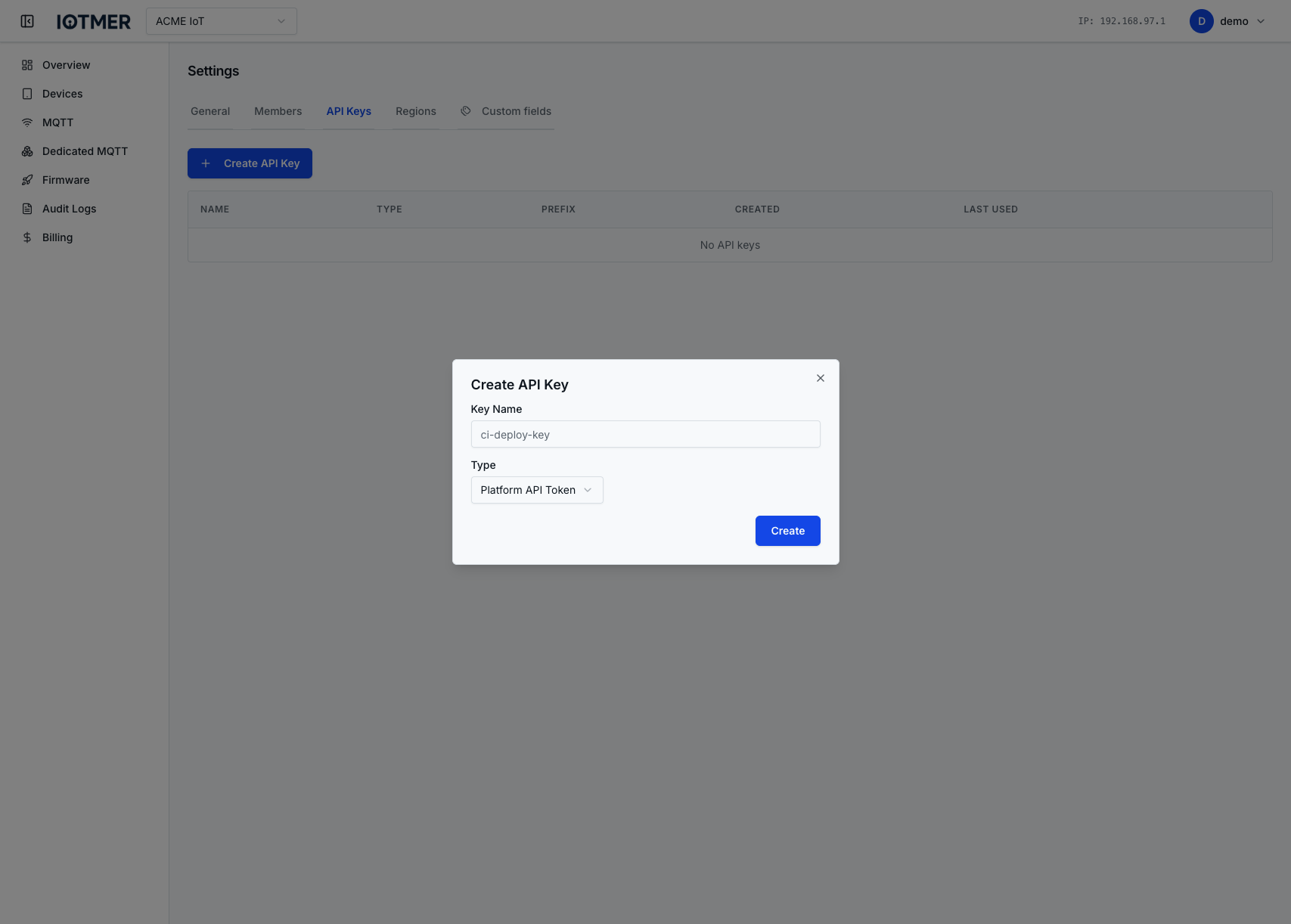
Copy the key now
The full key value is shown only once at creation. Copy and store it securely (e.g. in your secret manager). IOTMER stores only a hashed version.
Key kind: platform vs provision
When you create a key, you set key_kind (see POST /workspaces/{id}/api-keys):
platform(default) — use the value asX-API-Key, or send the same value withAuthorization: Bearer(full key in the token position), for the main REST API (workspaces, devices, billing, etc.).provision— the same secret string is also used forPOST /provision/devicein theiotmer-auth-codeheader (raw string, not aBearertoken). You can also callPOST /workspaces/{id}/deviceswith that key viaX-API-KeyorAuthorizationas usual. Provisioning and creating devices with a single factory key is a common pattern.
Using an API key (platform)
Include the key in the X-API-Key header:
GET /workspaces/{id}/devices
X-API-Key: iotmer_ak_xxxxxxxxxxxxxxxxxxxxxxxx
Rotate / revoke a key
To rotate: create a new key, update your service, then delete the old key.
To revoke immediately: click Delete next to the key in Workspace Settings → API Keys. Deletion is instant and permanent.