Create a Workspace
From the console
- Click your account avatar in the top-right → New Workspace
- Enter a workspace name (used for display and as a slug in API paths)
- Select a primary region — this determines where your default MQTT broker is provisioned
- Click Create Workspace
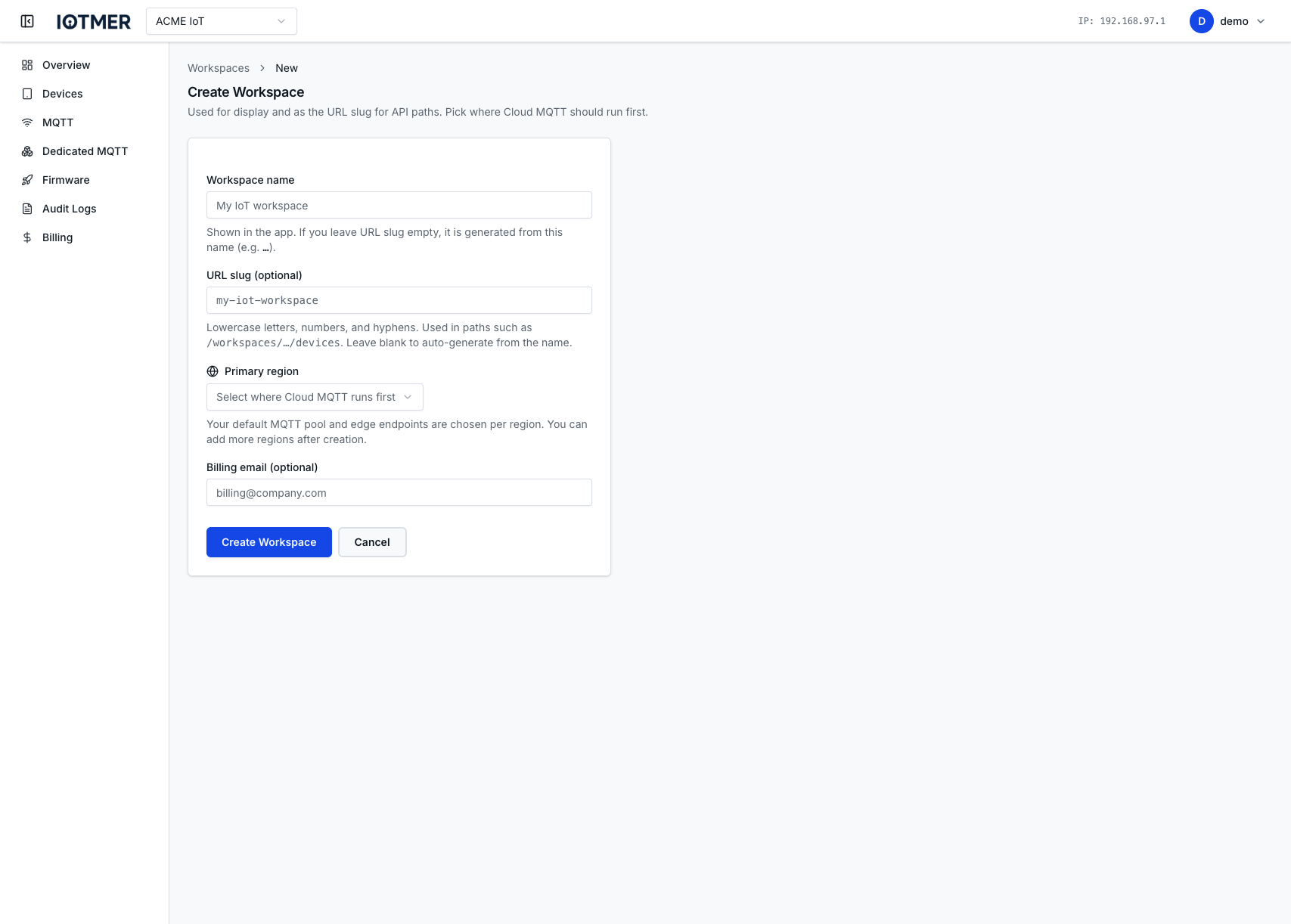
You are automatically assigned the Owner role in the workspace.
From the API
POST /workspaces
Authorization: Bearer <token>
Content-Type: application/json

{
  "name": "my-production-workspace"
}
See POST /workspaces for the full request schema.
After creation
- Invite team members and assign roles
- Add a region to activate MQTT in additional locations
- Create API keys for backend integration