Members & Role-Based Access Control
Roles
| Role | Description |
|---|---|
| Owner | Full control, including billing and workspace deletion. Assigned to the creator. |
| Admin | Full resource management, cannot manage billing or delete the workspace. |
| Member | Read and write access to devices and MQTT resources. |
| Viewer | Read-only access to all workspace resources. |
Invite a member
- Go to Workspace Settings → Members
- Click Invite Member
- Enter the user's email address
- Select a role
- Click Send Invite
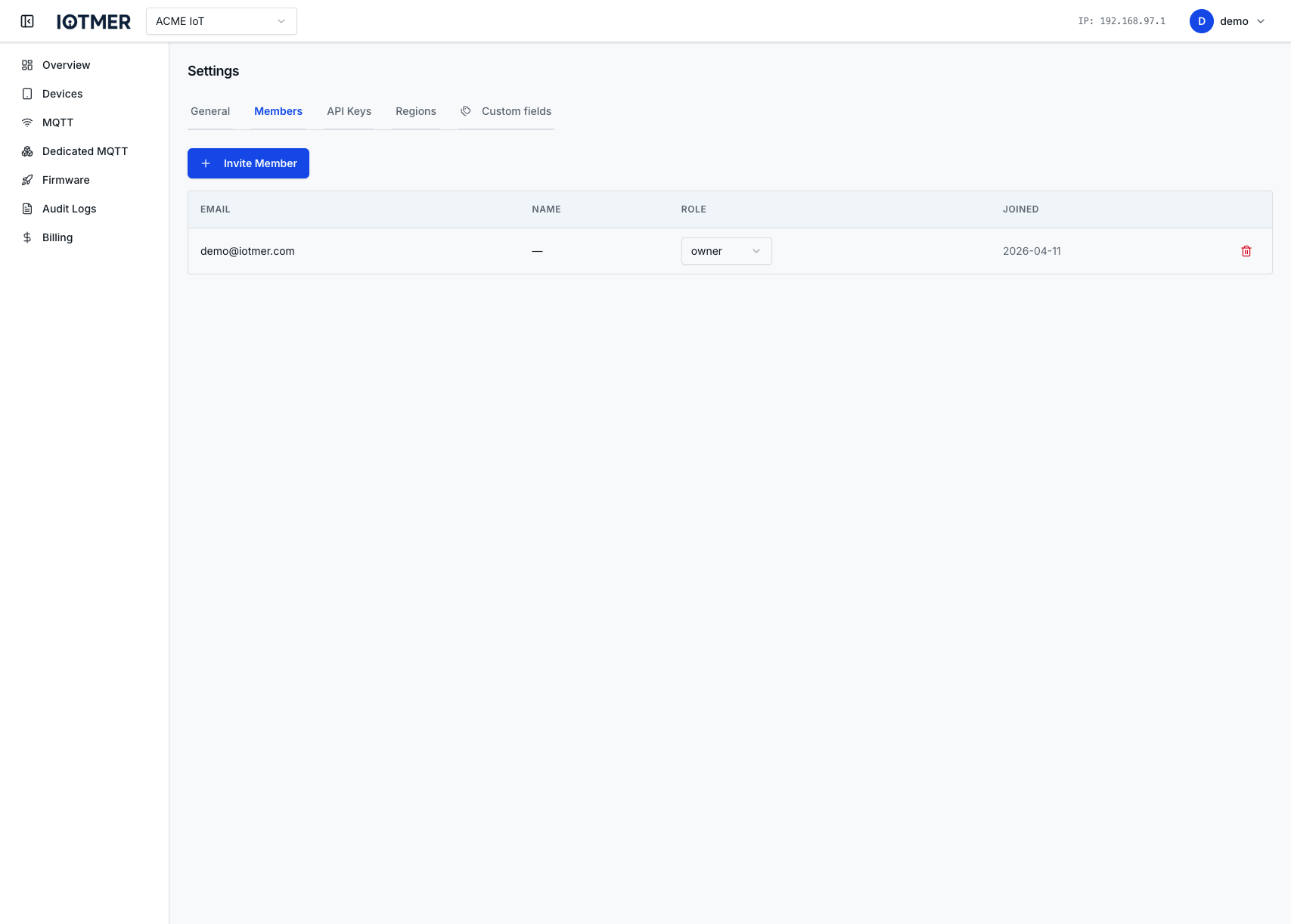
The invited user receives an email and must accept the invitation.
Change a member's role
- Go to Workspace Settings → Members
- Click the role badge next to the member's name
- Select the new role
Remove a member
Click the Remove button next to the member. Removed members lose access immediately; their resources (devices, API keys created by them) remain.