Login
Standard login
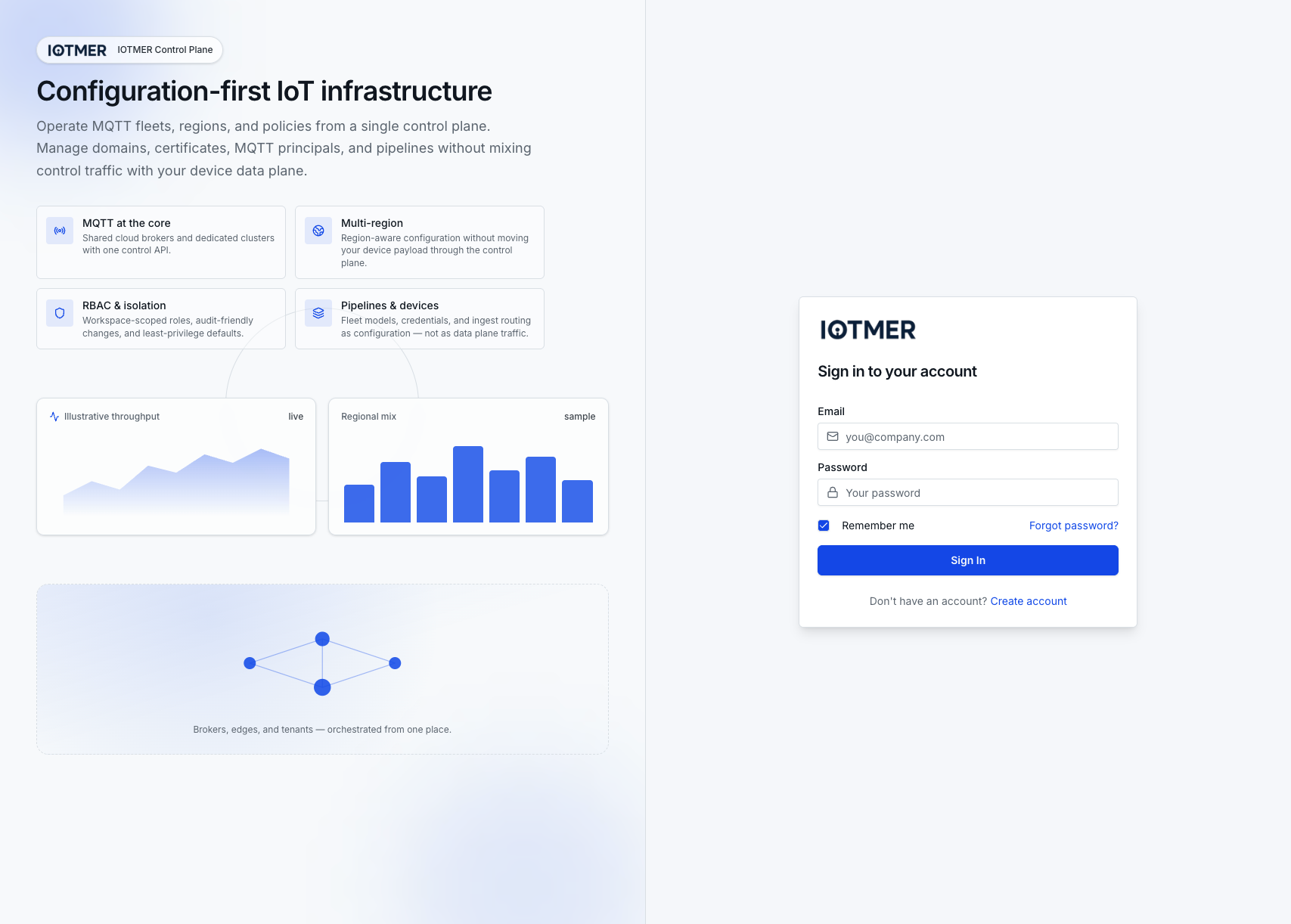
Go to console.iotmer.com/login and enter your email and password.
Multi-factor authentication
If MFA is enabled on your account, you will be prompted for a 6-digit code after entering your password. See MFA setup for details.
Session tokens
IOTMER uses short-lived JWT access tokens with a refresh token mechanism. Sessions are automatically renewed while you are active in the console. Tokens expire after inactivity.
If you are integrating programmatically, use the POST /auth/login endpoint — it returns access_token and refresh_token.
Forgot password
Click Forgot your password? on the login page to receive a reset link by email. See Password Reset.