Cloud MQTT
Cloud MQTT is a shared, fully managed MQTT broker that you activate per region. No infrastructure provisioning — just enable and connect.
Activate Cloud MQTT
- Go to Workspace Settings
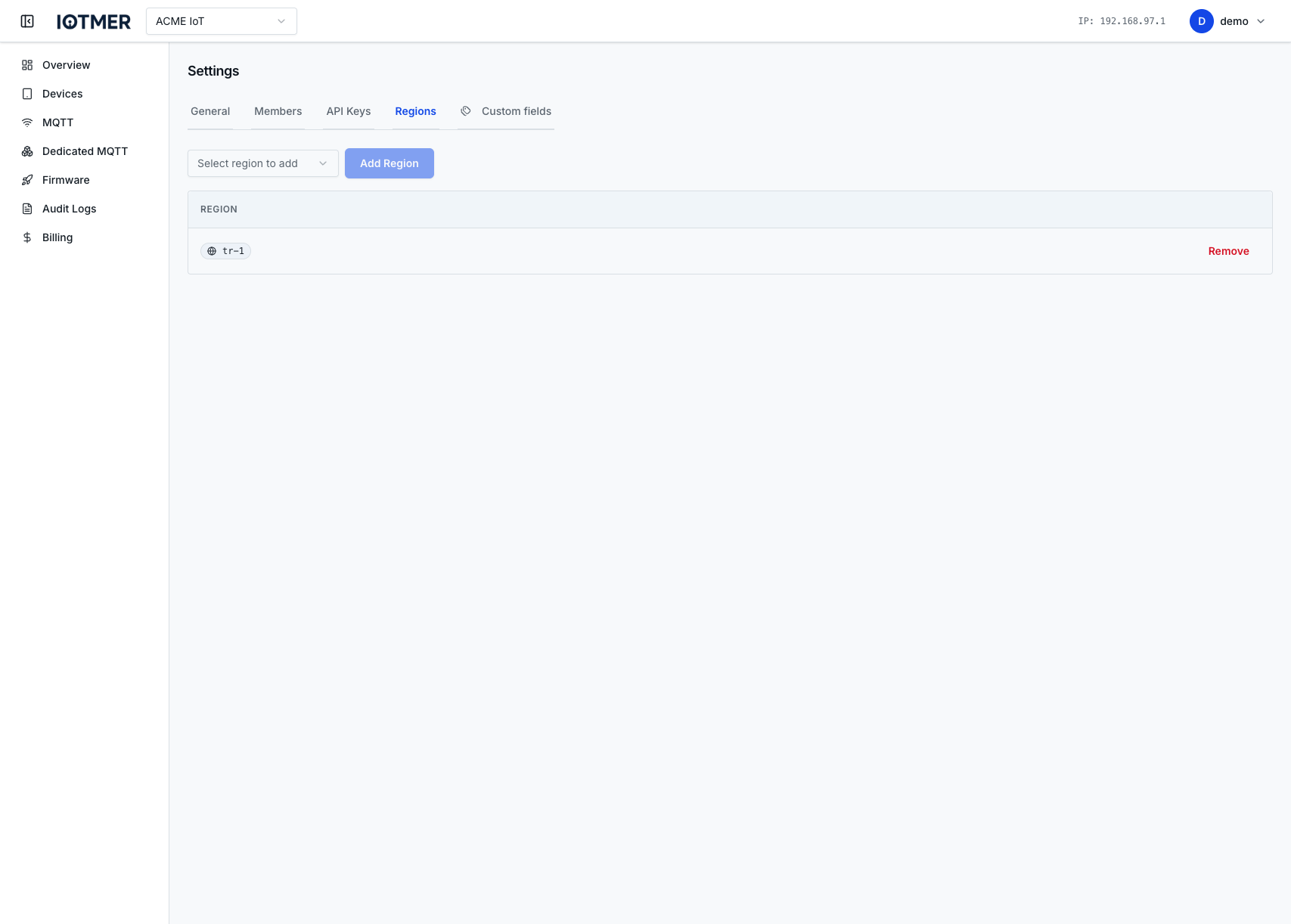
- Go to Regions → Cloud MQTT
- Click Activate for your desired region
- The endpoint appears immediately
Connection details
After activation, you go to Overview will see:
- Host — e.g.
mqtt.eu.iotmer.com - Port —
8883(TLS) - Authentication — use device credentials or a principal
Multi-region
Activate Cloud MQTT in multiple regions independently. Each region has its own endpoint and connection capacity. Device credentials work across all regions your workspace is active in.
Deactivate
Deactivating a region removes the endpoint from your workspace. Existing connections to that region will be dropped.
DELETE /workspaces/{id}/cloud-mqtt/regions/{binding_id}
API
GET /workspaces/{id}/cloud-mqttPOST /workspaces/{id}/cloud-mqtt/regionsGET /workspaces/{id}/cloud-mqtt/regions(list bindings; see explorer for patch/delete bybinding_id)