MQTT Principals & ACLs
A principal is a named MQTT identity that is not a device — typically a backend service, data pipeline, or monitoring agent. Principals have their own credentials and ACL rules.
Create a principal
- Go to MQTT → Principals → New Principal
- Enter a name (e.g.
data-pipeline,backend-subscriber) - Click Create — credentials are generated and shown once
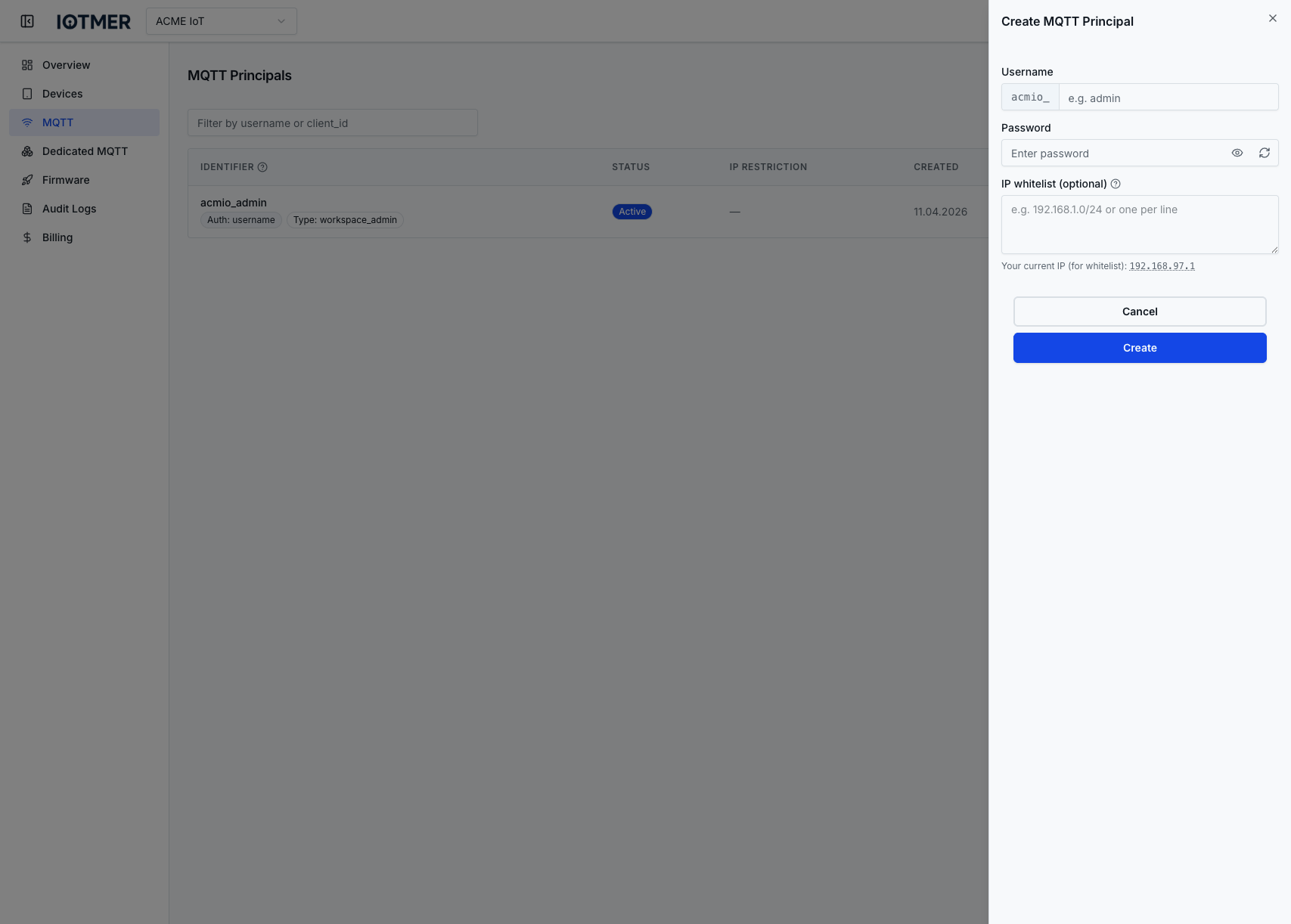
Or via API:
POST /workspaces/{id}/mqtt/principals
Content-Type: application/json

{ "name": "backend-subscriber" }
Define ACLs for a principal
ACL rules control what a principal can publish or subscribe to. Rules are evaluated in order — first match wins.
POST /workspaces/{id}/mqtt/principals/{principal_id}/acls
Content-Type: application/json

{
  "action": "subscribe",
  "topic": "devices/+/telemetry",
  "permission": "allow"
}
ACL fields
| Field | Values | Description |
|---|---|---|
action | publish, subscribe, pubsub | Which MQTT operation |
topic | MQTT topic pattern | Supports + (single level) and # (multi level) wildcards |
permission | allow, deny | Grant or deny access |
Reorder ACLs
Rule order matters — drag to reorder in the console, or use the reorder API endpoint:
PUT /workspaces/{id}/mqtt/principals/{principal_id}/acls/reorder
Delete a principal
Deleting a principal immediately invalidates its credentials and removes all its ACL rules.