Device Credentials
Each device has a unique MQTT username and password auto-generated at creation.
View credentials
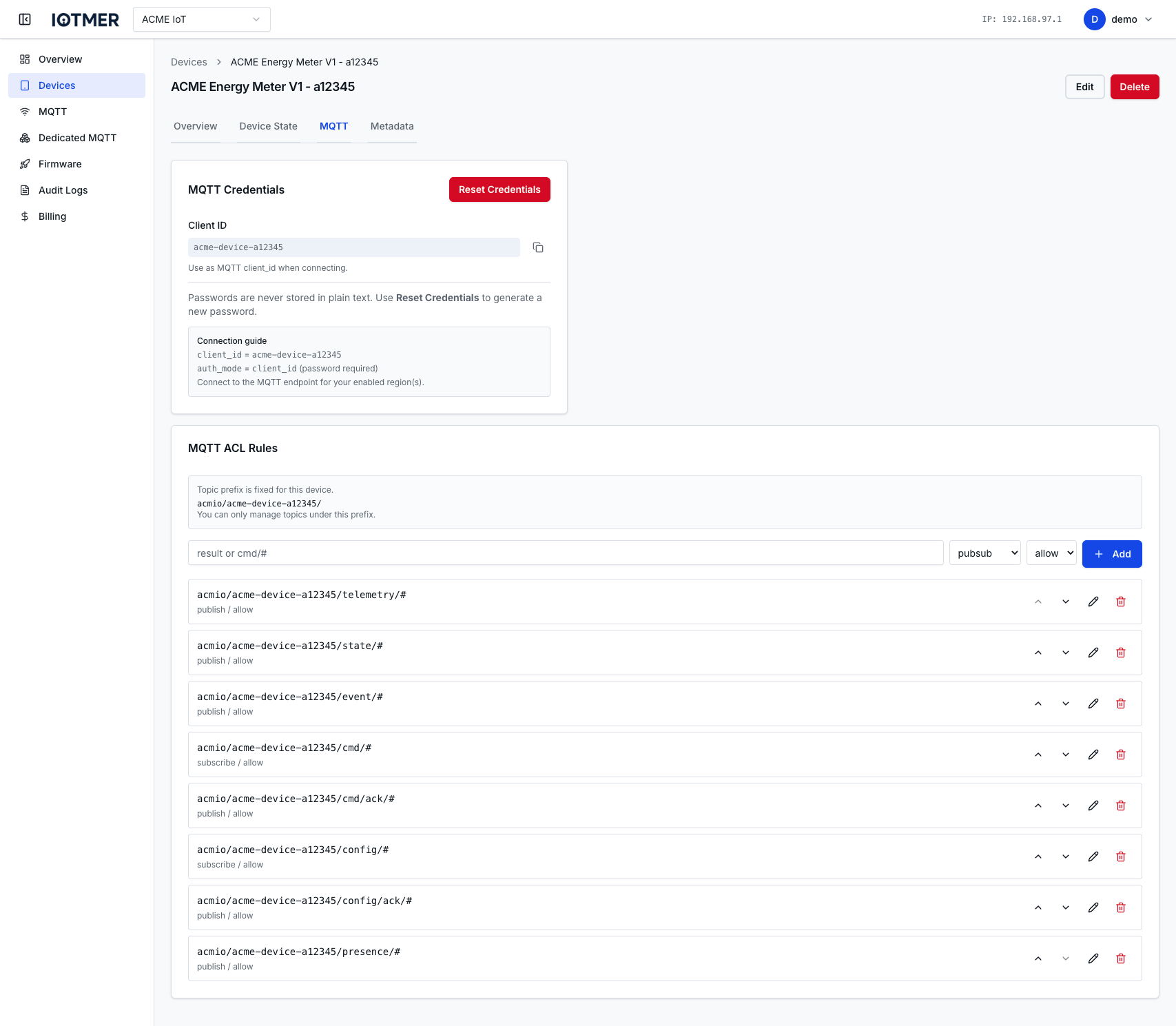
Go to the device detail page → MQTT tab.
The username is always visible. The password is shown in full only at creation time. After that, only a masked version is displayed.
Reset credentials
Resetting generates a new password and immediately invalidates the old one. The device will be disconnected and must reconnect with the new password.
- Go to device detail → MQTT
- Click Reset Credentials
- Confirm the dialog
- Copy and store the new password
Or via API:
POST /workspaces/{id}/devices/{device_id}/credentials/reset
Usage in MQTT connection
Host:     <region-mqtt-host>
Port:     8883 (TLS) or 1883 (plain, if enabled)
Username: <device-mqtt-username>
Password: <device-mqtt-password>
Client ID: <client-id>  // same as device key required
tip
Always use TLS (port 8883) in production to prevent credential exposure in transit.