Firmware Rollouts
A rollout distributes a firmware version to a set of devices in a controlled way — you can target specific devices, use canary deployments, or roll out to your entire fleet.
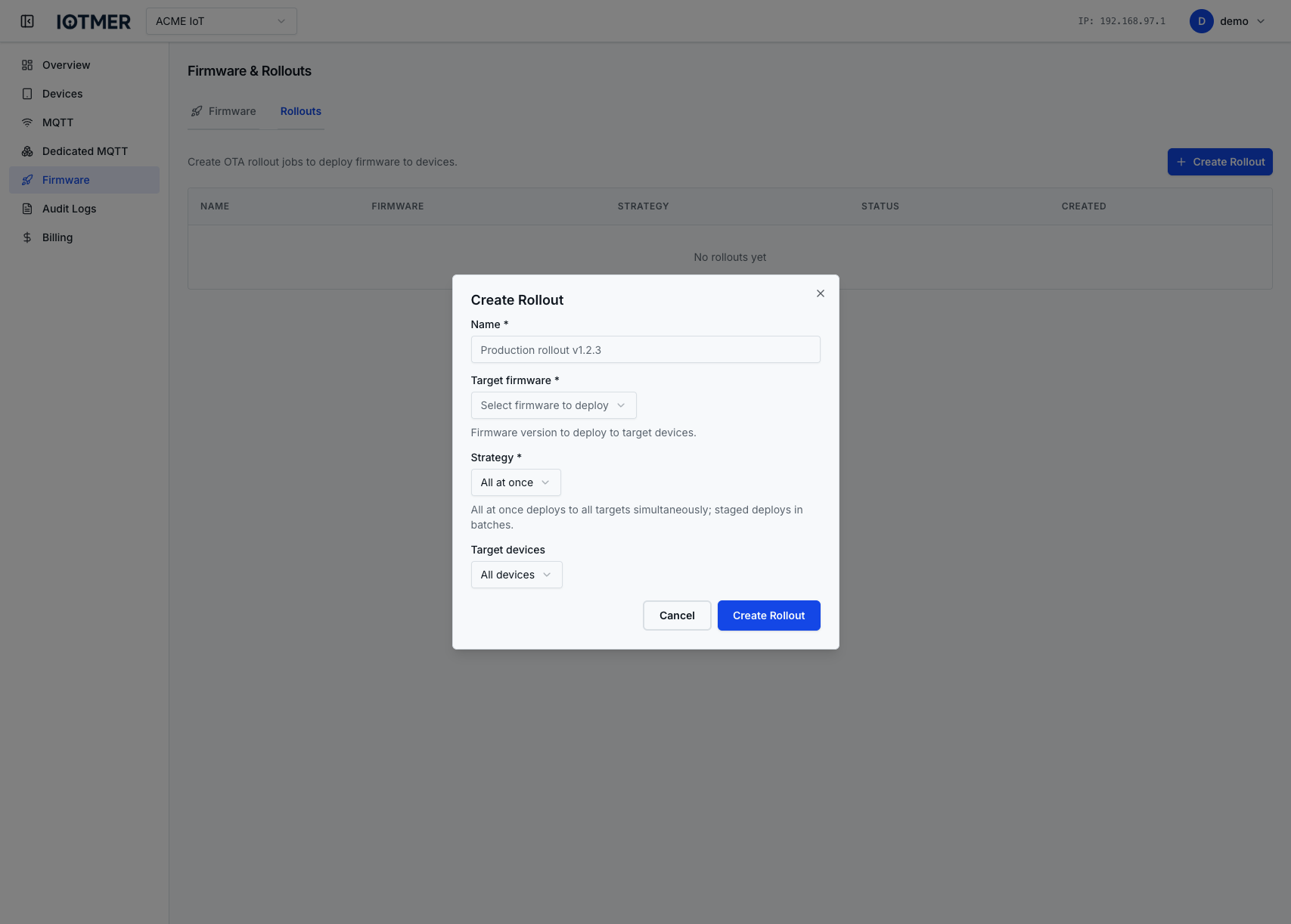
Create a rollout
- Go to Devices → Rollouts → New Rollout
- Select the firmware version to deploy
- Define the target — all devices, specific template, or a custom device list
- Configure rollout strategy (percentage, staged, immediate)
- Click Start Rollout
Rollout status
The rollout detail page shows progress:
- Total target devices
- Pending / in-progress / succeeded / failed counts
- Per-device status
Monitor and intervene
If a high failure rate is detected, pause or cancel the rollout from the detail page before it propagates further.
API
POST /workspaces/{id}/rollouts
Content-Type: application/json

{
  "firmware_id": "<firmware-ulid>",
  "target": { "type": "all" }
}