Manage Devices
Device list
Go to Devices in your workspace to see all registered devices.
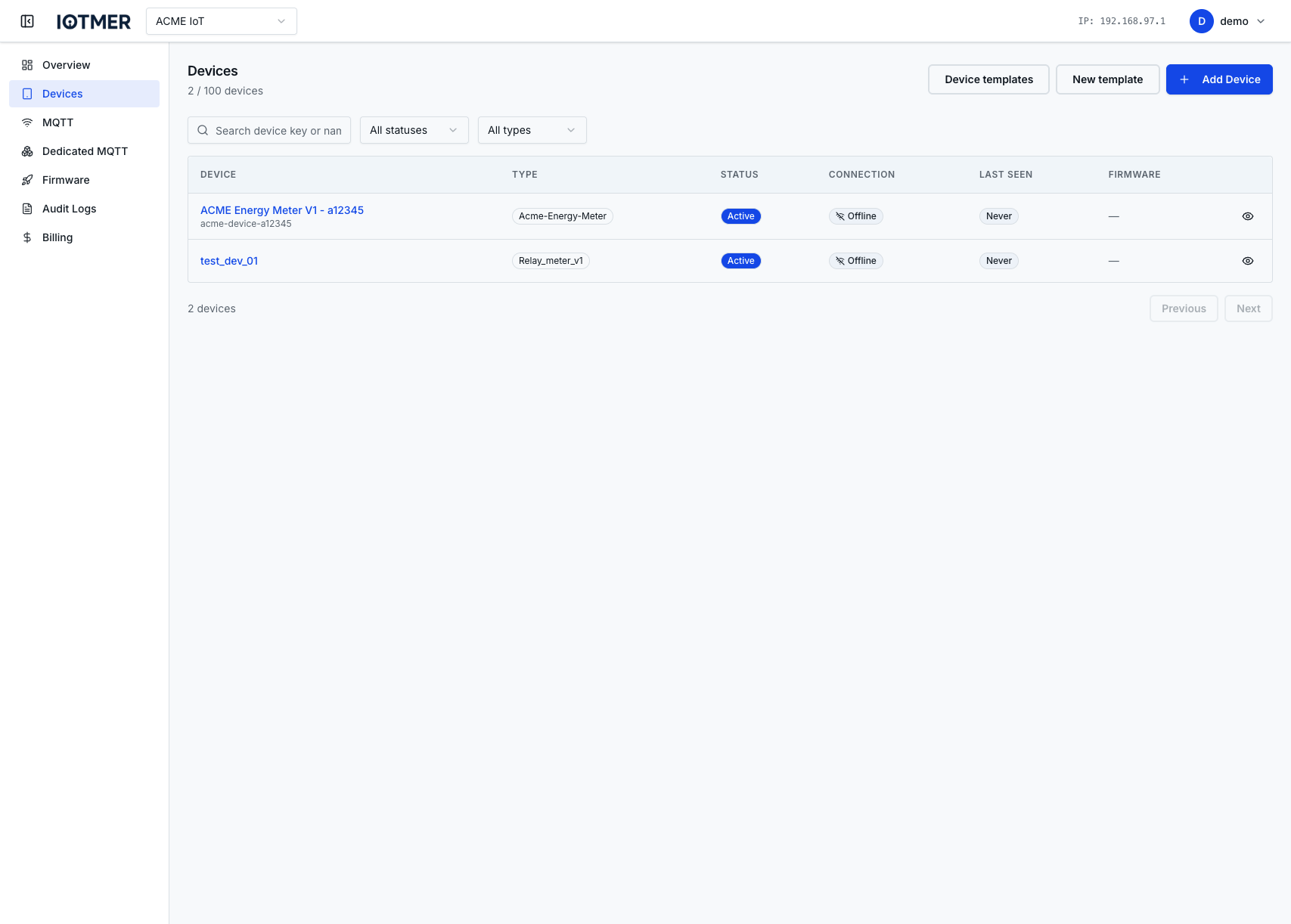
The list shows:
- Device name and ID
- Template (if assigned)
- Last seen timestamp
- Connection status (online/offline — based on MQTT presence)
Search and filter
Use the search bar to filter by name or ID. Use the filter panel to narrow by template, custom field values, or connection status.
Device detail
Click any device to open its detail page:
- Overview — name, ID, template, created at
- Credentials — MQTT username (password is not shown after creation)
- Custom Fields — view and edit
- MQTT ACLs — view, add, reorder, delete
- State — last reported payload with timestamp
- Firmware — assigned firmware version and rollout status
Edit a device
Click Edit on the device detail page to update the device name or custom field values.
PUT /workspaces/{id}/devices/{device_id}
Content-Type: application/json

{
  "name": "sensor-042-renamed"
}
Delete a device
Irreversible
Deleting a device removes its credentials immediately. The device will be disconnected from MQTT and cannot reconnect with the old credentials.
Click Delete on the device detail page and confirm. Or via API:
DELETE /workspaces/{id}/devices/{device_id}